
General Settings
Adjust the general settings of the ticket system to meet your needs.
General Settings decides how many tickets your members may have open, how long they wait between ticket actions, what the ticket dropdowns say, and what a member is told when a ticket category fills up. Everything on this page applies to every ticket panel in your server.
Access the Web Dashboard
Open your Tickety Dashboard. Log in using your Discord Account.
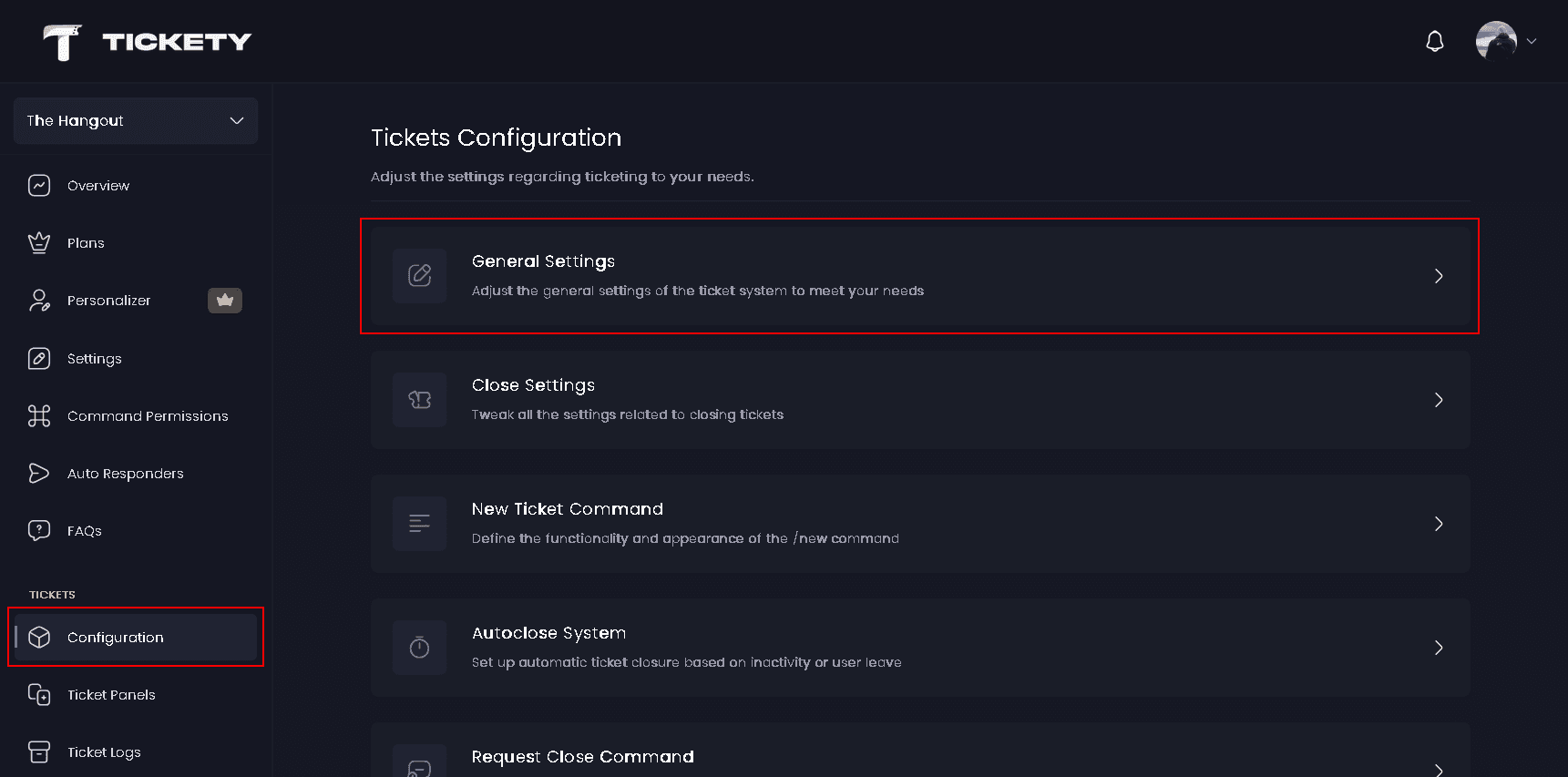
Navigate to General Settings
-
Once logged in, locate and click on the "Configuration" section under Tickets in the sidebar.
-
Select "General Settings" from the configuration options.
General Settings
- Max Open Tickets per User - The most tickets one member may have open at the same time across your whole server. Set it to
0for unlimited. The highest value you can set is100. - Max Open Tickets per Server - The most tickets that may be open in your server at once. Set it to
0for unlimited. The highest value you can set is1000, which is Discord's own limit on active threads. - Cooldown Time - How long a member must wait between ticket actions. The counter is in seconds and carries no unit label, so
60means one minute. Set it to0for no cooldown, and up to 7 days at most.
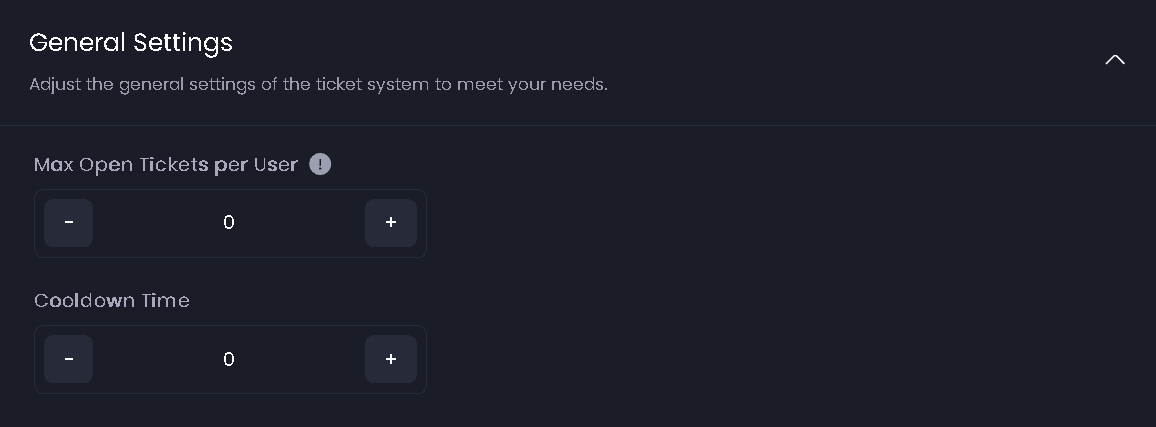
The cooldown starts after a ticket action goes through, not after one that was blocked, and it is counted per member per server.
What a blocked member sees
| Limit reached | The member is told |
|---|---|
| Max Open Tickets per User | You have reached your personal ticket limit for this server (open/max). |
| Max Open Tickets per Server | This server has reached its maximum number of open tickets (open/max). |
| Cooldown Time | You are on cooldown for ticket actions. Try again <time>. |
Each ticket panel can set its own per user and per server limits on top of these. Whichever limit is reached first is the one that blocks the ticket. A panel's bypass roles skip the panel's per user limit and the server wide per user limit, but nothing skips Max Open Tickets per Server.
Select Menus 👑
- Select Menu Placeholder 👑 - The grey text shown inside your ticket dropdowns before a member picks an option. Up to 100 characters. The default is
Select a category, and that is also what free servers always show.

Advanced Settings
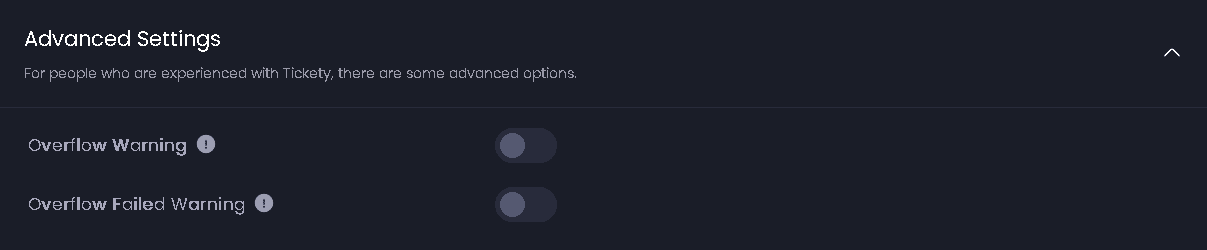
- Overflow Warning - Posts a note inside a new ticket when its normal category was full and one of the panel's overflow categories was used instead. The member sees Category Overflow, naming the category that filled up and the one the ticket landed in.
- Overflow Failed Warning - Posts a note inside a new ticket when every overflow category was full too, so the ticket was created without a category at all. A ticket with no category sits at the top of your channel list.
Defaults
| Setting | Default |
|---|---|
| Max Open Tickets per User | 0, unlimited |
| Max Open Tickets per Server | 0, unlimited |
| Cooldown Time | 0, no cooldown |
| Select Menu Placeholder | Select a category |
| Overflow Warning | on |
| Overflow Failed Warning | on |
Limits
| Free | Premium | |
|---|---|---|
| Max Open Tickets per User | 0 to 100 | 0 to 100 |
| Max Open Tickets per Server | 0 to 1000 | 0 to 1000 |
| Cooldown Time | up to 7 days | up to 7 days |
| Edit the select menu placeholder | no | yes |
| Select Menu Placeholder length | not editable | 100 characters |
This feature requires a Premium Subscription.